Last updated March 2026
WordPress makes it easy to launch a website. What it does not make easy is knowing which decisions matter long term.
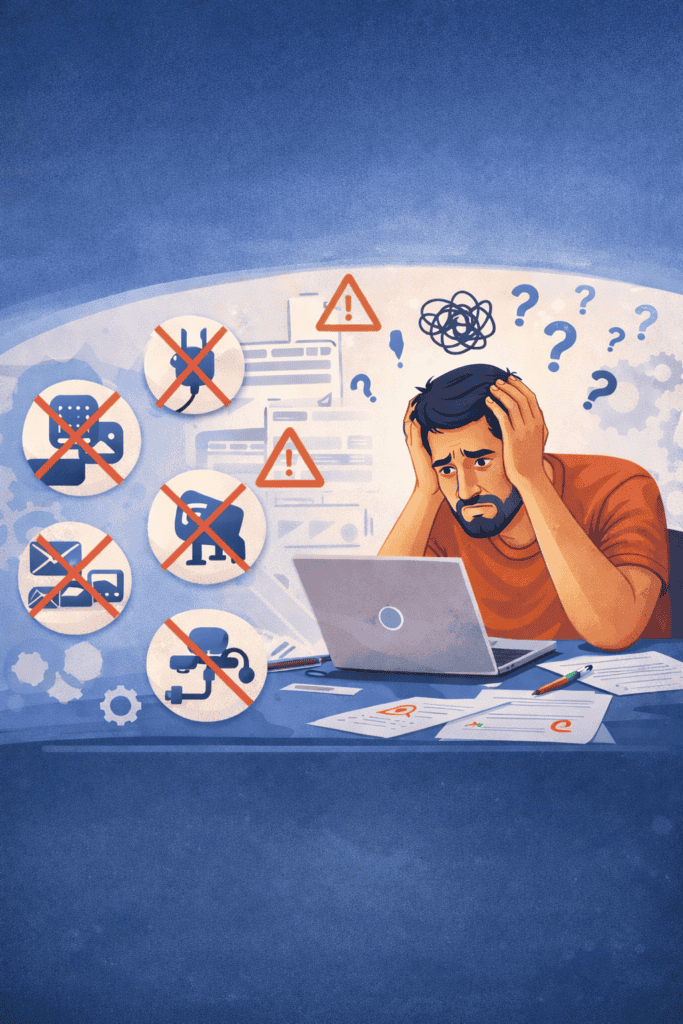
I have built hundreds of web pages, tested countless plugins, migrated hosts, broken things, fixed things, and learned many of these lessons the hard way.
This post is a collection of WordPress mistakes I personally made so you do not have to repeat them.
If you are just getting started or even if you are a few hundred posts in, there is likely something here that will save you time, money, or frustration.
1. Pages versus posts
Out of the gate, I was confused about what should be a post versus a web page. I treated them interchangeably, which eventually forced me to use a plugin just to convert content into what it should have been from the beginning.
One thing I did not realize early on is that posts often have a narrower content width than web pages, depending on your theme. That difference matters if you are creating long-form content, comparison tables, calculators, or layouts that need more horizontal space.
Before publishing anything, decide whether the content is time-based and part of a blog, or evergreen and better suited as a web page.
2. There is a plugin for that, but that does not mean you need it
WordPress has a plugin for almost everything, which is both a strength and a trap.
I installed plugins without fully understanding overlap, performance impact, or long-term maintenance. Over time, this led to bloated functionality and slower performance.
Instead of installing plugins impulsively, think in categories and needs. I broke this down more intentionally in a separate post on essential plugin categories for serious websites.
The 10 WordPress Plugin Categories Every Serious Website Needs
3. Theme limitations sneak up on you
It is easy to get dependent on a theme and assume certain features will always be available. Sometimes they are not.
I learned that some themes lock basic functionality behind paid upgrades, even features you might assume are standard. That can leave you paying for things simply because switching later feels painful.
My advice is to push a free theme as far as you can. When you eventually upgrade or purchase a premium theme, you will know exactly what features you truly need.
4. Your host needs to support email
My first hosting platform did not support email at all. That decision quietly blocked growth opportunities.
Launching a newsletter, sending transactional messages, or even managing basic website-related communication became unrealistic until I moved my website to a different host.
Email support may not feel important on day one, but it becomes critical much sooner than most people expect.
5. Host support quality matters more than pricing
There are plenty of lifetime hosting deals available, and there is nothing inherently wrong with choosing one.
The tradeoff is support. If you choose a low-cost or lifetime host, do not expect hands-on help or fast response times when things break.
Support quality and response time directly impact how quickly you can fix issues, restore backups, or troubleshoot problems that affect your website.
6. Backup storage adds up fast
Backup plugins can create massive files, especially when images, videos, and multiple versions of content are involved.
I underestimated how quickly backups would eat into hosting storage limits. This becomes a real issue if backups run automatically and are stored on the same server.
Before choosing a backup solution, understand file size, retention rules, automation options, and where those backups are stored.
7. Images and videos deserve a system
Early on, I had no consistent approach to image naming, formats, storage location, or optimization. That mistake compounds over time.
Decisions like PNG versus JPG, image dimensions, compression, version control, and where media is stored all affect performance and backup size.
The biggest miss for me was not understanding featured images. I did not fully grasp their importance until I was more than 250 web pages into my website.
Featured images matter for internal search, external search previews, social sharing, category listings, and user scanning behavior. Every post and blog web page should have one.
8. It is okay not to have a perfect strategy
I spent too much time worrying about a master plan instead of taking the next step.
WordPress allows you to test, refine, and evolve. Publish content, look at your data, and adjust based on what you learn.
Momentum matters more than perfection.
You also have to remember that you see your website far more than anyone else ever will. Just because you are starting to feel bored with how it looks or think it needs a refresh does not mean your visitors feel the same way. Most people are not evaluating design choices or novelty. They just want value. It is your website, so only you care that your baby is pretty. Everyone else cares that it helps them.
9. Hello World does not matter
No one cares about your first post. That is not an insult, it is freedom.
Consistency, patience, and promotion matter far more than any single article. Content does not magically get discovered just because it exists.
Commit to publishing and promoting for at least a year. Fall in love with the process, not the immediate results.
10. Internal linking is not optional
Internal linking is one of the most overlooked parts of WordPress websites.
New content should intentionally link to existing content, and existing content should be updated to link forward where relevant.
Related posts within the same category help readers continue their journey and help search engines understand how your content connects.
Your internal linking structure should not look like a collection of islands. It should clearly communicate relationships and topical depth.
Launch your website with internal linking in mind and treat it as an ongoing process, not a one-time task.